
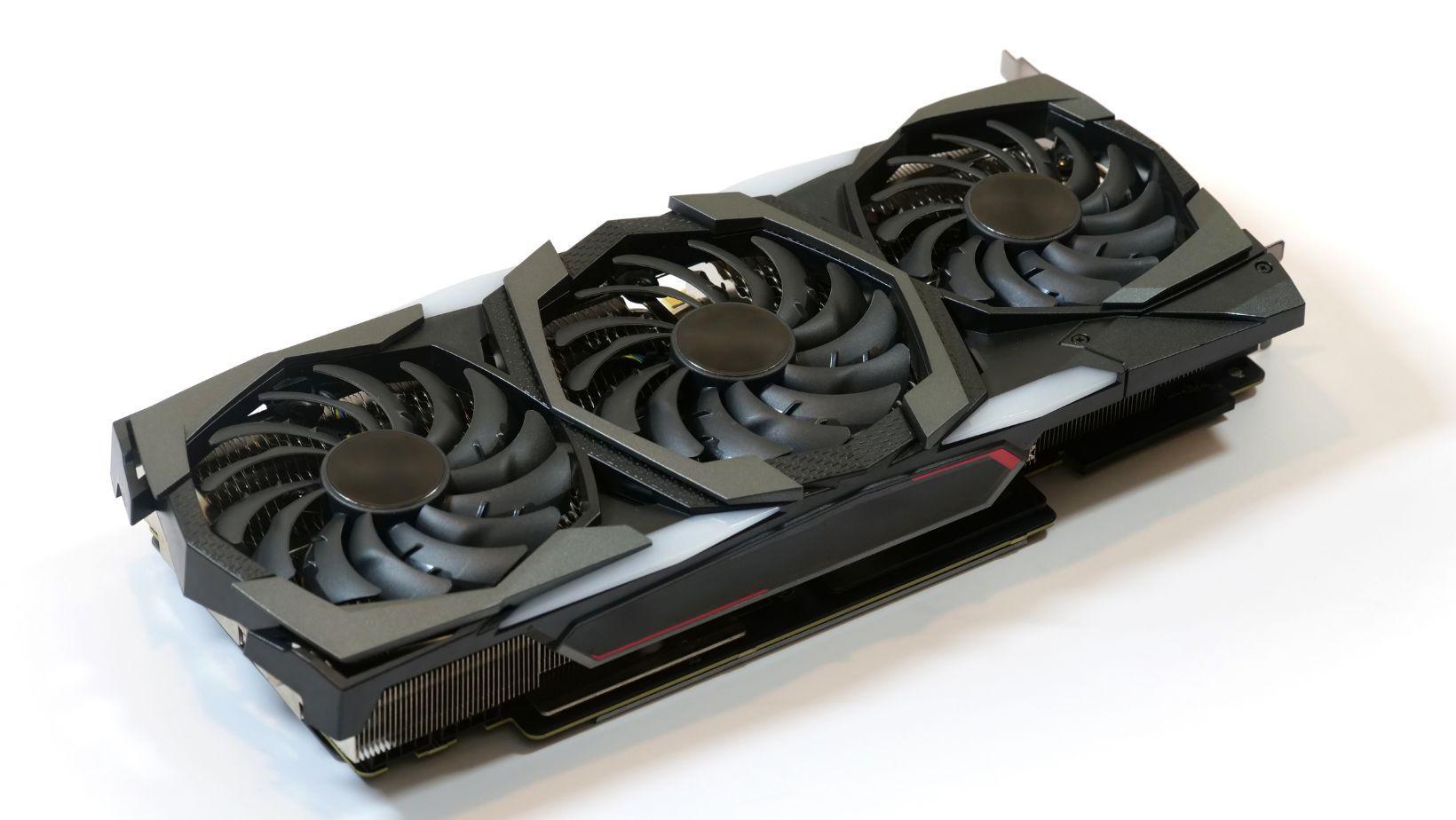
Your render is at 87 percent, the clock is ticking, and suddenly your workstation sounds like a small aircraft preparing for take-off. Sound familiar? Long renders, simulations and baking jobs push every part of your machine flat out for hours, and the only thing between you and a throttled, crashing system is moving air. At the heart of nearly every cooling setup sits one humble part: the axial fan.
In this guide we will unpack how an axial fan works, how to size one for your case, how to keep noise under control, and where to look when you want something sturdier than the stock fans that came in the box.
In this guide:
- Why heat is the silent render killer
- How an axial fan actually moves air
- Sizing, airflow and noise
- Building airflow inside the case
- Choosing and sourcing your fans
- A quick buyer checklist
Why heat is the silent render killer
Think of your CPU and GPU as sprinters. They can run flat out, but only while they stay cool. Once temperatures climb, modern chips protect themselves by slowing down, so your four-hour render quietly becomes a five-hour one. Nobody sends a warning message. The progress bar just crawls.
A rig that lives at the edge of its thermal limits is also a rig that lets you down at the worst moment, usually the night before a deadline. The good news is that fixing airflow is one of the cheapest upgrades you can make.
How an axial fan actually moves air
An axial fan pulls air in along the same line as its spinning shaft and pushes it out the other side, a bit like a propeller in a tube. That straight-through path is why you see them everywhere, from the tiny fan on a graphics card to big ventilation units on a factory roof.
Two numbers matter most:
- Airflow is how much air the fan shifts, usually quoted in cubic metres per hour (m³/h).
- Static pressure is how well the fan pushes air through resistance, like a dust filter, a radiator or a dense heatsink.
An open-case fan with nothing in its way cares mostly about airflow. A fan pushing air through a radiator needs good static pressure, or the air simply will not go where you want it.
Sizing, airflow and noise
Fan size is the easiest lever to pull. A bigger fan can move the same air at a lower speed, and lower speed means a calmer sound. Desktop towers mostly use 120mm and 140mm fans, while industrial ranges go much larger, up to several hundred millimetres for big enclosures and equipment.
When you compare spec sheets, read the airflow (m³/h) and noise (dBA) specifications side by side. A fan with huge airflow and a loud dBA figure may be fine in a server cupboard and miserable on a desk next to your graphics tablet.
A few practical rules of thumb:
- Pick a larger fan running slower rather than a small fan screaming.
- Check the rated noise at the speed you will actually run it.
- Look at bearing type, because it affects lifespan and the character of the sound.
- Let fan speed follow temperature, so it idles quietly and ramps up only under load.
Building airflow inside the case
Think of your case as a river: air needs a clear path in and a clear path out. Cool air comes in through the front and bottom, passes over the graphics card and CPU, and leaves through the rear and top. Warm air rises, so pushing it up and out works with physics instead of against it.
A few habits make a big difference. Keep intake slightly stronger than exhaust to discourage dust sneaking through gaps. Tidy the cables behind the motherboard tray. Clean the intake filters, because a clogged one quietly chokes the whole system. And make sure fresh air reaches your graphics card directly, since it is the hottest thing in the box during a GPU render.
Choosing and sourcing your fans
A render machine that runs day and night is closer to an industrial workload than a gaming session. That is why many small studios and home-office builders look beyond basic consumer fans to the component-level and enclosure cooling fans used to keep control cabinets and server racks running around the clock.
The same logic applies to electrical enclosure and machinery cooling, where fans are expected to run continuously for years, and to HVAC and ventilation applications, where steady, efficient airflow is the whole point. Both make a useful benchmark when you judge build quality.
For buyers in Australia looking for a dependable axial fan supplier, RS is worth a look for professional-grade axial cooling fans from ebm-papst, RS PRO, Sanyo Denki and Sunon, covering component-level and enclosure cooling fans as well as options for electrical enclosure and machinery cooling and HVAC and ventilation applications. For locally stocked items ordered before 5pm AEST on weekdays, next working day delivery is available, which is handy when a fan dies mid-project.
Whichever route you take, check voltage and connector type first. Most workstation fans run on low-voltage DC, while larger industrial fans come in AC and DC ranges.
A quick buyer checklist
- Size: does it fit your case mounts, with clearance for the thickness?
- Airflow and pressure: is it suited to open space or to pushing through a radiator or filter?
- Noise: is the dBA figure acceptable at the speed you will really use?
- Voltage and connector: does it match your board, controller or power supply?
- Build quality: are the bearings suitable for long, continuous runs?
- Support: is there a warranty and a clear returns process?
Final thoughts
Cooling is not the glamorous part of building a render rig, but it keeps every other upgrade worth the money. A well-chosen axial fan, sized sensibly with a clear airflow path, keeps your chips boosting, your renders finishing on time and your studio pleasantly quiet. Measure your temperatures during a real render, and upgrade one fan at a time.
